Contract review for small teams: what a tool checks, what needs a person
This article is general information, not legal advice.
Five ways a small team can review routine contracts, compared honestly: what each does well, where it falls short and who it suits. Not legal advice.
Five contracts and no lawyer
Picture a business of a handful of people. In one month it may be asked to sign a supplier's terms, a client's services agreement, a non-disclosure agreement, a software subscription and an office lease. Nobody on the team is a lawyer. The founder reads them late at night, skims the parts that look standard, and signs most of them.
Most of the time nothing goes wrong. The risk sits in the few that are not standard: an automatic renewal with a short window to cancel, an indemnity with no limit, a clause that sends disputes to a distant city.
Small teams now have more ways to review contracts than they used to, including AI tools. This article compares five of them: what each does well, where it falls short and who it suits. It names categories, not products, and it is general information, not legal advice.
The job has two halves
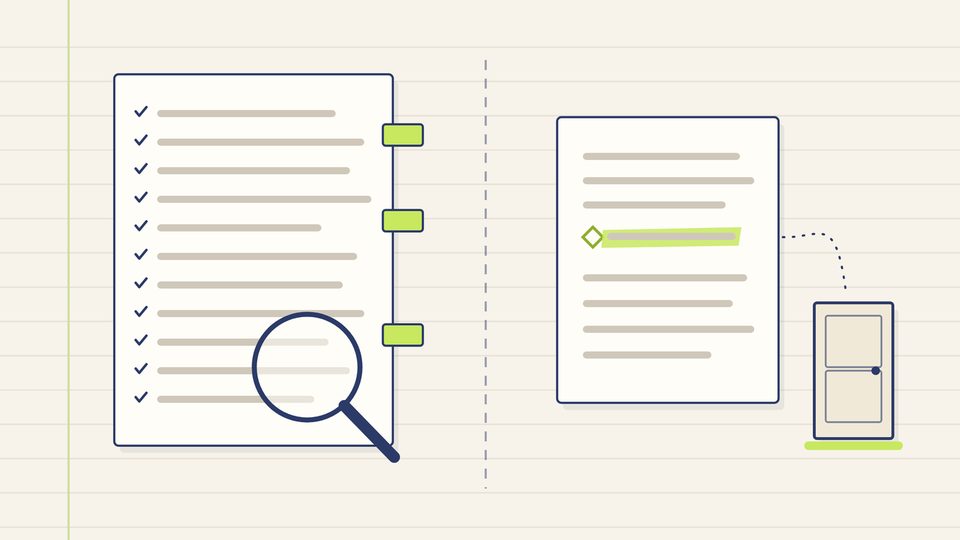
Contract review is really two different jobs.
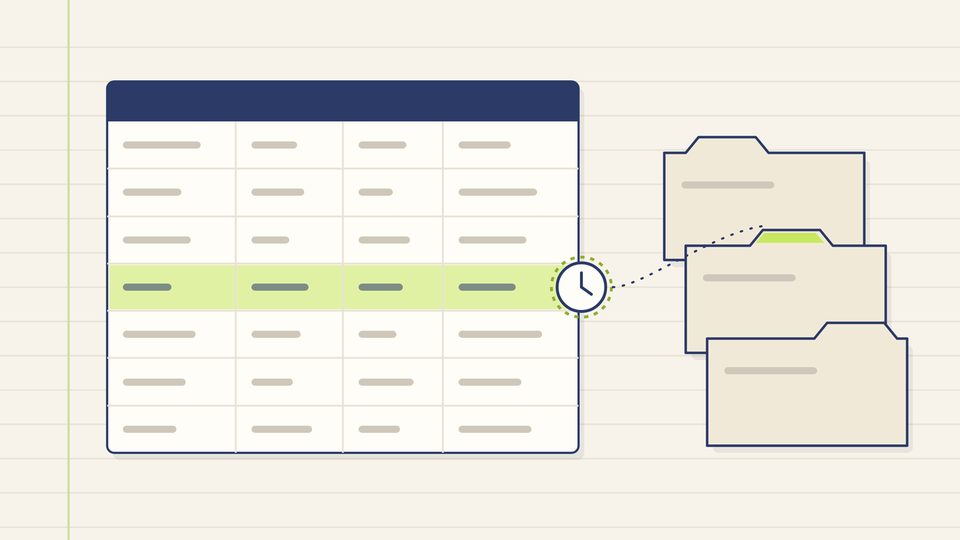
The first is finding: reading the whole document and locating what is there and what is missing. Is there a termination clause? An automatic renewal? A limit on liability? Which law governs, and where are disputes heard? Finding is careful, repetitive work, and much of it can be helped by a checklist or by software.
The second is judging: deciding whether what you found is acceptable for your business, given the deal, the other side and the risk you can carry, and whether a clause will work the way you expect under the law. Judging depends on facts the document does not contain, and where it turns on legal effect, it is legal advice.
Every option below is stronger at one half than the other.
Option 1: read it yourself with a checklist
A written checklist turns a vague read into a structured one: parties, money, dates, renewal, ending, notices, liability, disputes, stamping. The list of what to check before you sign is a starting point.
- Good at: finding, if the reader is disciplined. It costs only time, and it builds the team's own understanding.
- Falls short: it depends on the reader's attention at the end of a long day, and it cannot tell you whether an unusual clause is a problem.
- Suits: short, familiar documents of low value.
Option 2: a general-purpose AI assistant
Many people now paste a contract into a general-purpose AI assistant and ask what it means.
- Good at: explaining clauses in plain words, summarising long documents and suggesting questions to ask, quickly.
- Falls short: it can state things wrongly with confidence, may not show where its statements come from, may apply rules from another country, and does not know your business. What happens to the text you paste depends on the provider's terms.
- Suits: understanding a document's vocabulary and structure, with confidential details removed, before a real review.
The guide to what AI can and cannot do with legal questions explains these limits in more detail.
Option 3: a dedicated contract review tool
Some software is built specifically for reviewing contracts. Depending on the product, such tools may compare a document with a set of standard positions, flag missing or unusual clauses, and keep track of versions.
- Good at: consistent finding across many documents, working to standard positions that a team has written down.
- Falls short: its output is only as good as the positions it is set up with and the law it was designed for. It still does not judge your deal, and the same questions about stored documents apply.
- Suits: teams with a steady flow of similar contracts and someone to own the standard positions.
Option 4: send everything to an advocate
- Good at: both halves. An advocate can find, judge and advise on legal effect, and is professionally accountable for that advice.
- Falls short: for a small team, sending every routine document costs time and money, and the wait can hold up ordinary business.
- Suits: high-value, long or unusual contracts, and anything involving property, employment, intellectual property or a dispute.
Option 5: a playbook, a first pass and clear triggers
The options are not exclusive. In our editorial view, a combination usually makes the most sense for a small team, and it has three parts.
- A short playbook. One page of your own standard positions: the payment terms you accept, the longest lock-in you will sign, whether you will give an indemnity, where you want disputes heard. Writing it takes some effort once, ideally with an advocate, and it needs revisiting from time to time.
- A first pass. Each routine contract is read against the playbook by a person with a checklist, with help from software if you use it, and the differences are listed.
- Triggers for an advocate. Agree in advance what sends a document to an advocate: a value above a level you set, a term longer than you are comfortable with, unlimited liability, exclusivity, property, employment, or any clause nobody on the team understands.
Questions to ask any tool before you trust it
Whatever software you consider, ask the provider:
- Where is my document stored, who can read it, and is it used to train the tool?
- Does it show where each statement or flag comes from, so that I can check it?
- Which country's law, and which kinds of contract, was it designed for?
- What does it not check?
- Who is responsible if it misses something, and what do the terms say about that?
The article on confidential documents and AI tools goes further on the first question.
What changes
With a playbook, a first pass and clear triggers, routine contracts stop depending on one tired reader. The finding is done the same way every time, the judging is done by the right person, and advocate time goes to the documents that need it. We do not give a figure for time saved, because it depends entirely on your contracts and your team; the gain is consistency, and knowing which documents deserve a closer look.
Where AI Lawyer fits
AI Lawyer is planned, with no code yet. Its planned contracts and documents feature is help drafting and reviewing routine documents and contracts, and its planned escalation feature hands a matter to a qualified professional when it needs advice. It will not judge your deal or tell you whether to sign; that stays with you and an advocate. Pricing is not decided: the plan is a subscription, with options such as document credits and law-firm licences. Read what AI Lawyer plans to do, and what it will not do, and the page for small and medium businesses.
Key takeaways
- Contract review is two jobs: finding what a document says, and judging whether it is acceptable for you.
- Checklists and software can help with finding; judging, and anything about legal effect, needs a person and often an advocate.
- A one-page playbook of your standard positions makes every review faster and more consistent.
- Agree in advance which contracts always go to an advocate.
Questions
Can an AI tool review a contract instead of a lawyer?
An AI tool can help find and explain clauses. Deciding whether a contract is acceptable for you, and what a clause will mean in law for your situation, is legal advice, which should come from a qualified advocate.
What should a small business ask before using a contract review tool?
Where documents are stored and who can read them, whether they are used for training, whether the tool shows where its flags come from, which country's law it was designed for, and what it does not check.